
Don't just write. Structure for citations.
Traditional outlines are just lists of bullet points. Texavor's GEO (Generative Engine Optimization) Outlines are engineering frameworks designed to force AI models to recognize your content as the "Direct Answer".
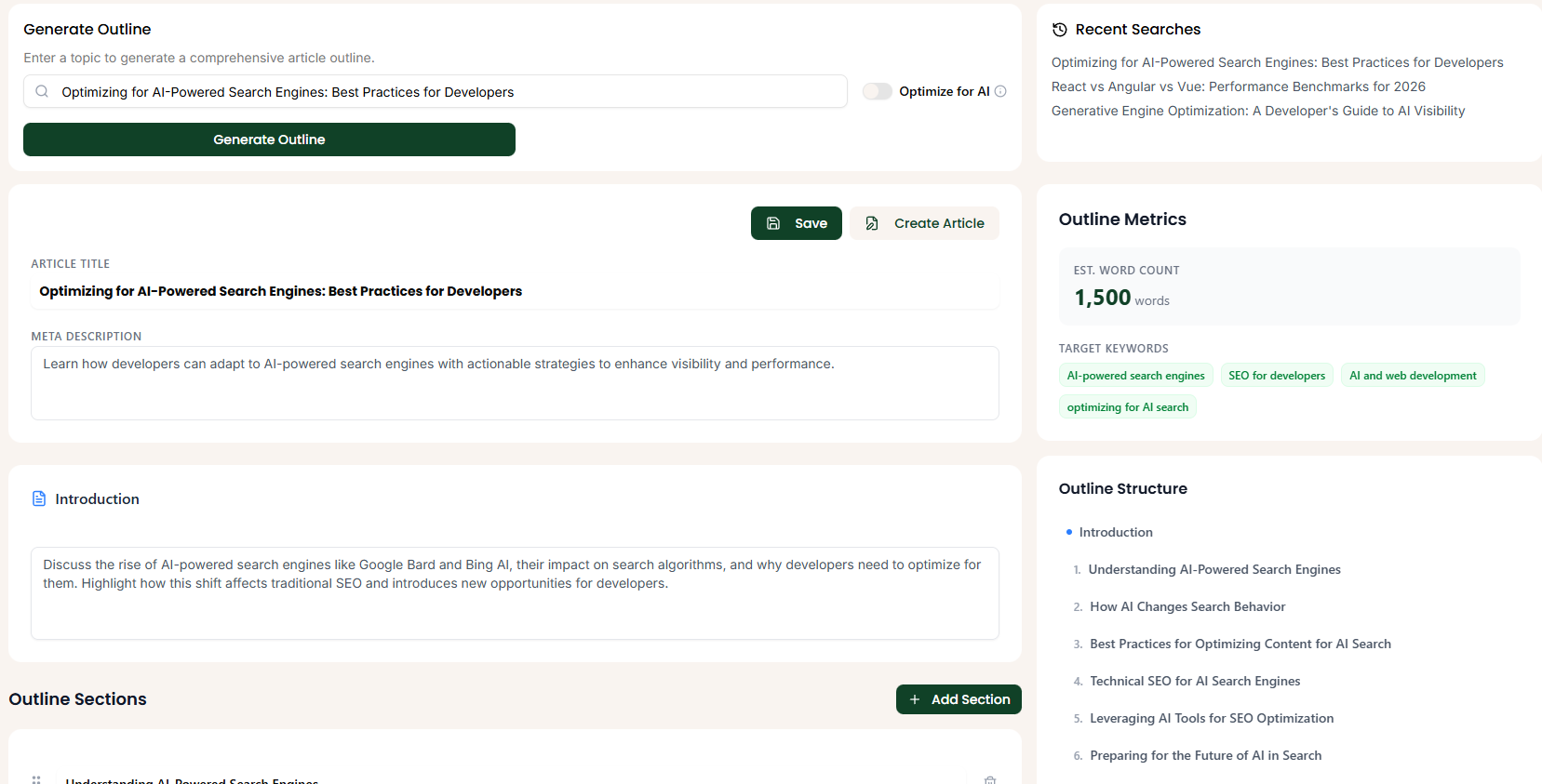
What is GEO Mode?
When you enable "GEO Mode" in the generator, we inject specific structural requirements into the prompt:
- The "Quick Answer" Block: A 40-60 word definition immediately after the H1. This is the optimal length for Google's Featured Snippets.
- Logical Hierarchy: H2s and H3s that follow a specific "What / Why / How" flow.
- FAQ Section: A mandatory closing section containing specific questions found in "People Also Ask" data.
Workflow: Creating a GEO Outline
- Draft a New Article: Or start from a Topic Idea.
- Open Generator: Click "AI Outline".
- Toggle GEO Mode: ✅ Ensure this is checked.
- Enter Context: "A technical guide for [Target Audience] about [Topic]".
- Generate: Watch the structure build itself.
The Anatomy of a GEO Outline
Here is the difference between a standard blog post and a Texavor GEO Post:
Standard Outline (The Old Way)
- Intro
- Tip 1
- Tip 2
- Conclusion
Texavor GEO Outline (The New Way)
- H1: [Direct Question Query]
- Quick Answer: [Defining the answer in <60 words for NLP parsing]
- H2: What is X?
- H2: Benefits of X (List Format)
- Why? AI loves citing lists.
- H2: Step-by-Step Implementation
- H2: Common Pitfalls
- H2: Frequently Asked Questions (FAQ)
- Why? These map directly to Schema.org/FAQPage.
From Outline to Schema
When you publish an article based on a GEO Outline, Texavor automatically generates the JSON-LD Schema for:
FAQPage(from your FAQ section).HowTo(if step-by-step headers are detected).Article(standard).
This gives you a "Triple Threat" in search results.
Support & Resources
Need help publishing your content strategy?
- 📧 Email Support: hello@texavor.com
- 📚 Documentation: Browse the full guide